Wireless Keyboard - O NAIL
21 in stock
O Nail Wireless Keyboard for AI Nail Lamp
1+1 Dual Keyboard Control
Easier Operation for Nail Artists
Step 1 Turn on both the nail lamp and the wireless keyboard, and connect within 2 seconds.
Step 2 Press and hold Al + B keys for 2 seconds.
Step 3 Indicator light flashes → Pairing in progress.
Step 4 Display shows "oo" → Pairing successful.
Special Information
Special Information
Read the instructions carefully before use. For external use only. Avoid contact with eyes and skin. Store in a dark, dry place away from light and heat. Keep out of reach of children and pets.
Made in the USA, California.
* The appearance of the product may differ slightly from the image. The colors of product images can be displayed on different media in different ways, and the colors of the products used vary depending on use or lighting.
Testimonials
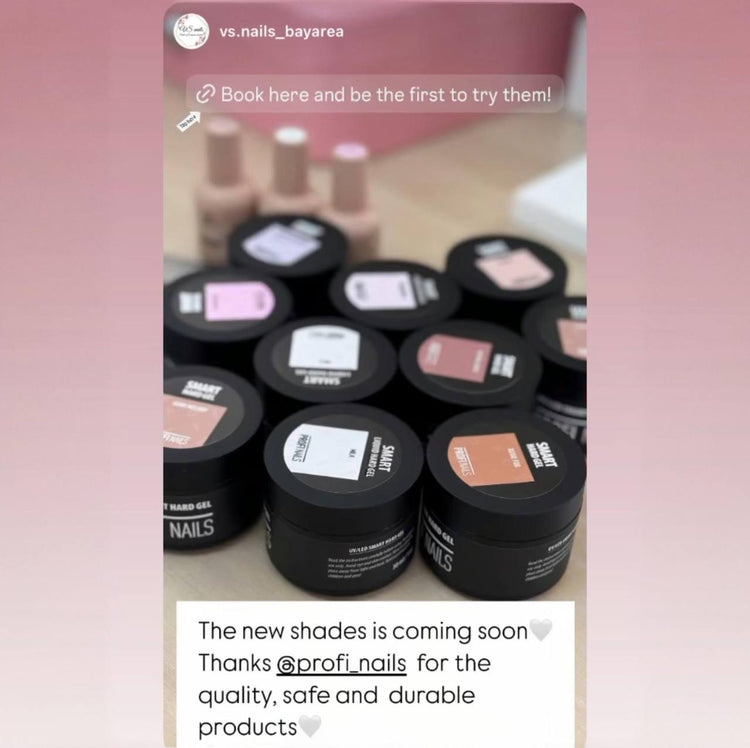
vs.nails_bayarea

nails_mariia.la
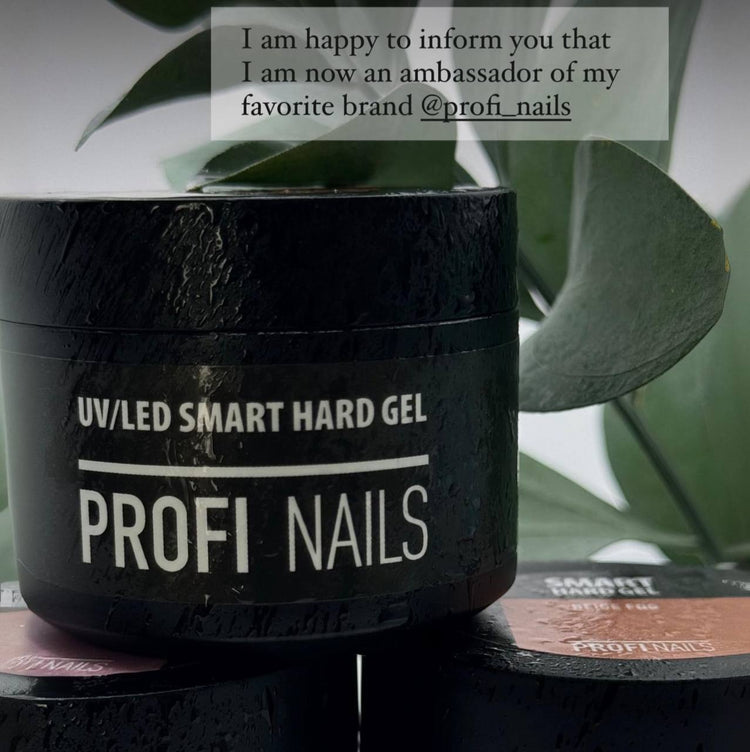
nail_vall